How to Manage Your WordPress Site From Your Phone With AI (Easy Way)
 By Editorial Staff • Nov 16, 2026

Join 2M+ readers who get our best WordPress tips straight to their inbox.
Subscribe for easy WordPress tutorials, tips, and tools, perfect for beginners.
Recent articles
What’s Coming in WordPress 7.2? (Features and Screenshots)
WordPress 7.2 beta is out. See what's coming: Notes in the margin, the new Ipsum default theme, form styling without CSS, a faster admin, and /random/ links.
Welcome Drip and Sleeknote to the WPBeginner Family of Products
Today, I’m extremely excited to share that Drip and Sleeknote are joining the Awesome Motive network, and they’re now part of the WPBeginner family of products. Drip is an email marketing and automation platform designed for small businesses, from content creators to online stores. More…
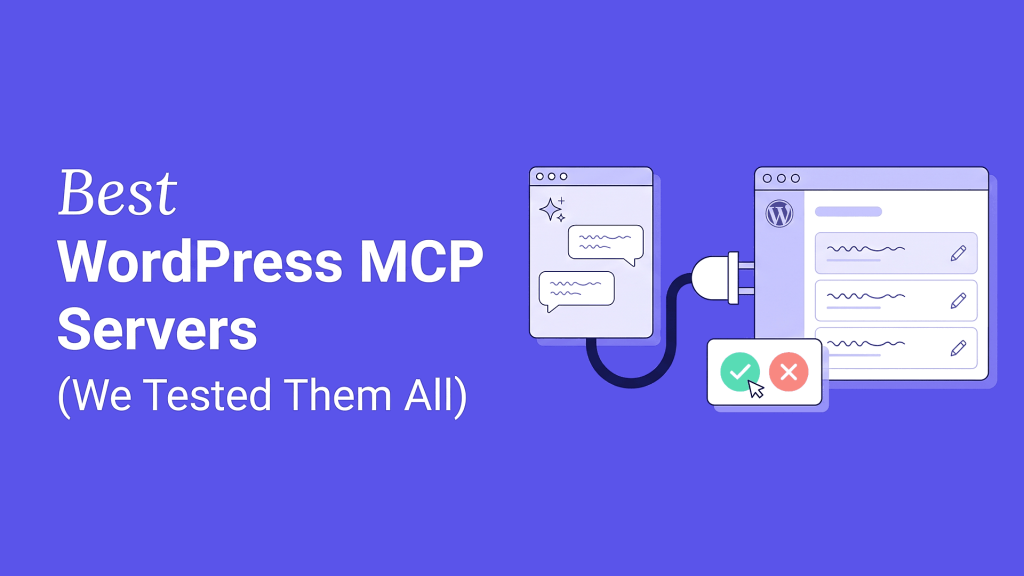
7 Best WordPress MCP Servers and Plugins in 2026 (We Tested Them All)
Connecting Claude or ChatGPT to your WordPress site can save you hours of routine admin work. However, the AI can only do what your WordPress MCP server lets it do, and some servers will permanently delete content without asking you first. I wanted to know…
WPBeginner Spotlight 29: WPVibe Passes 100,000 Users, OptinMonster MCP, and an Urgent PHP Fix
October was the month AI assistants stopped being a side feature in WordPress. You can now ask Claude or ChatGPT to build a popup, set up a donation automation, or find out why a scheduled task failed. Before you read the rest, please check your…
WPBeginner Spotlight 28: WPVibe Hits 50,000 Sites, a New WPForms Dashboard, and Two WordPress Security Updates
September was the month WordPress plugins really started talking to AI assistants in a serious way. You can now manage backups, forms, online stores, and fundraising campaigns just by asking Claude or ChatGPT, and there’s a good chance you already have some of these plugins…
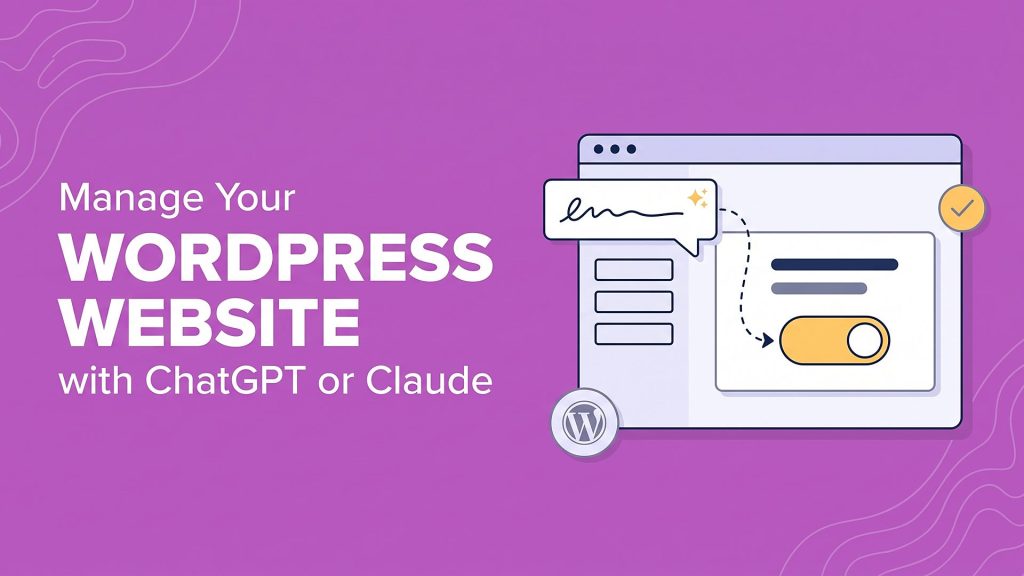
How to Manage Your WordPress Website with ChatGPT or Claude
You can manage a WordPress site with ChatGPT or Claude using WPVibe. It’s a free plugin that connects both AI tools directly to your site. We tested it by connecting Claude to our demo travel site and giving it real tasks. Within a few minutes,…
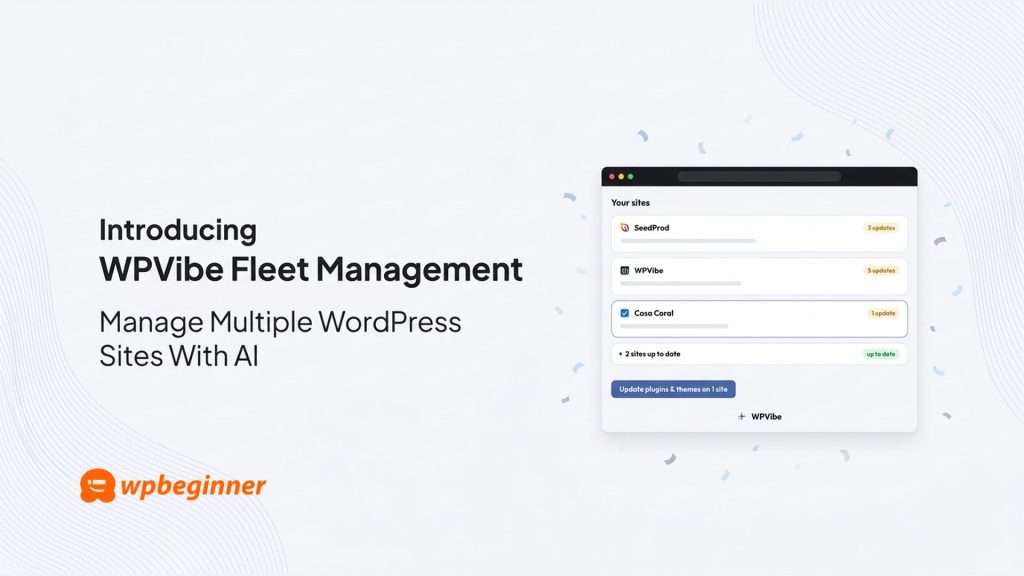
Introducing WPVibe Fleet Management: Manage Multiple WordPress Sites With AI
Ever wished you could update every WordPress site you manage without logging into each one? When you manage multiple WordPress sites, even a simple update becomes a repetitive task. You have to log into each site, check which plugins and themes need updating, run the…
WPBeginner Spotlight 27: WordPress 7.1, WPVibe AI Everywhere, and a New Way to Record Your Screen
August was a big month for WordPress. WordPress 7.1 arrived on schedule, and WordCamp US brought four days of AI-focused talks to Phoenix. WPVibe doubled its install base in a single month. There is also a brand-new screen recording tool that we think you will…
What’s New in WordPress 7.1? (Features & Screenshots)
WordPress 7.1 is finally here 🥳, and we have been closely following its development. The new version launched on August 19, 2026, timed with WordCamp US. Its focus is on how you collaborate, style, and manage media on your WordPress website, and it fixes a…
WPBeginner Spotlight 26: Form Analytics, More AI Tools, and Smarter SEO Monitoring
The main theme of this month’s WordPress news is measurement. Most of what shipped in July shows you something that your site was already doing without telling you. WPForms can now show which form field people abandon, and AIOSEO can tell you the day a…